AI-empowered shopping assistant for you
Save time and money enjoying the new tech. Plan your purchases with convenience, effortlessly collect deals.
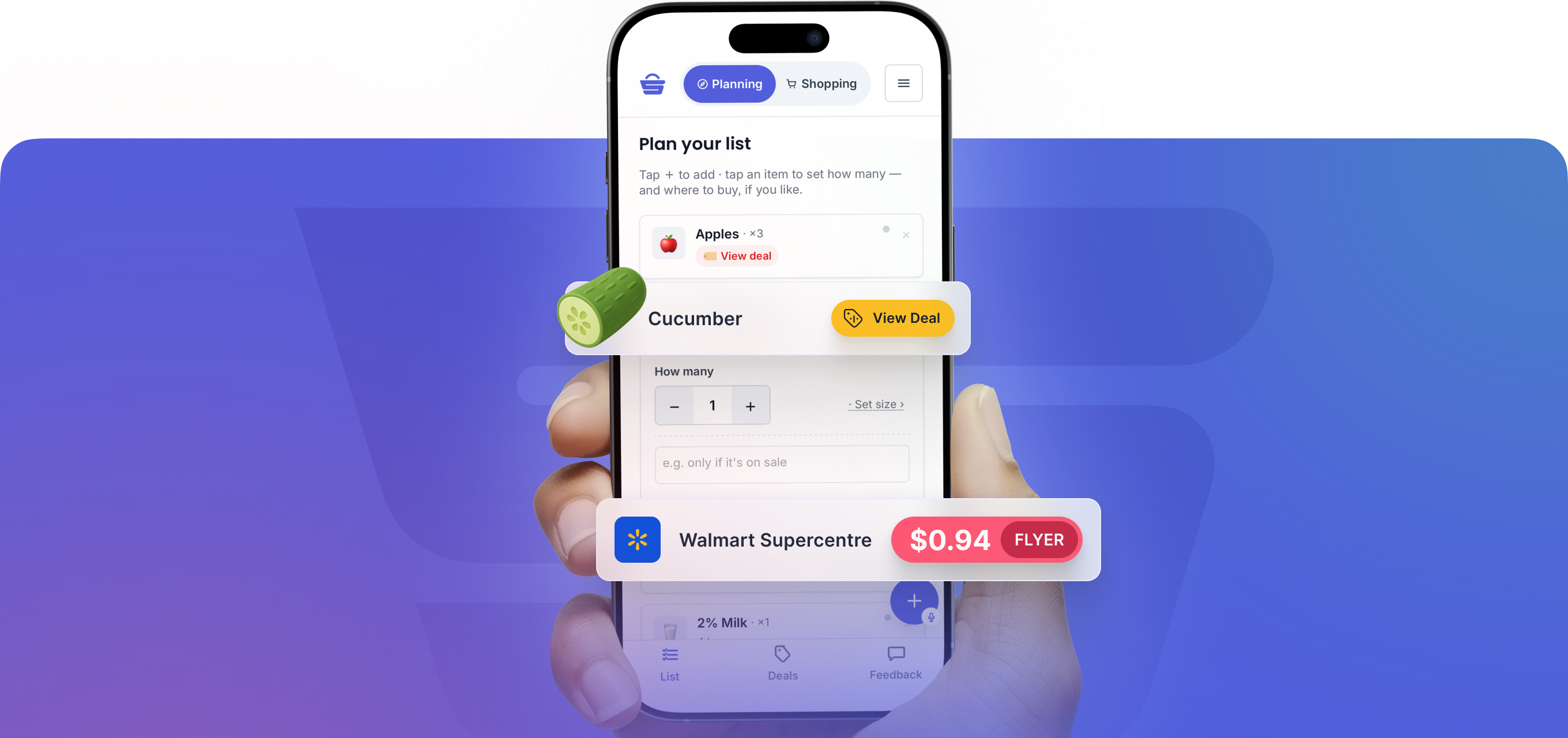
Built for PEI households.
Works in your browser on phone or desktop, or install it from Google Play.


Not sure where to shop this week?
Create your grocery list and find the best place to go.
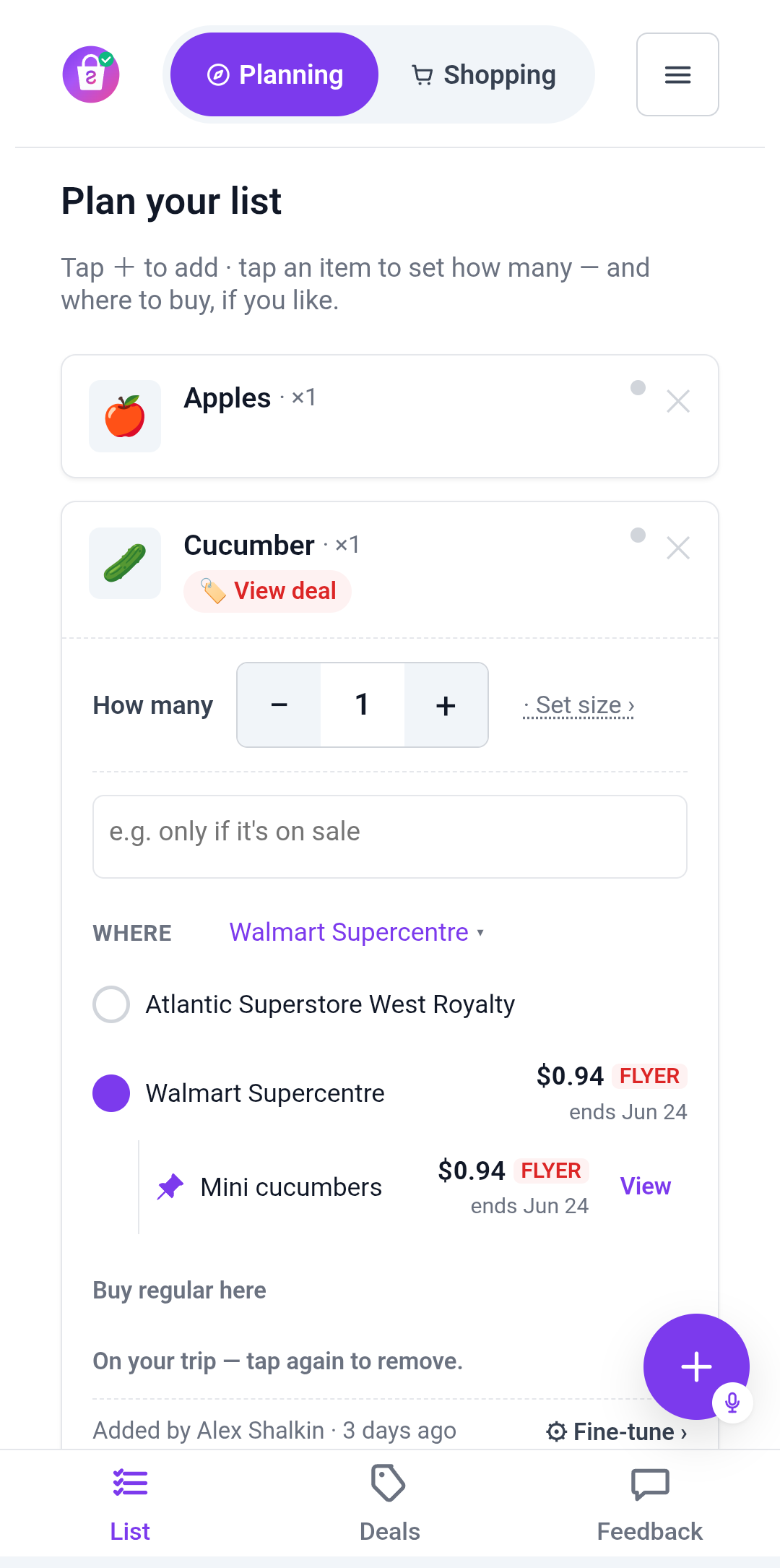
Add the things you plan to buy, and Shopista shows where they're on sale across the stores you choose.

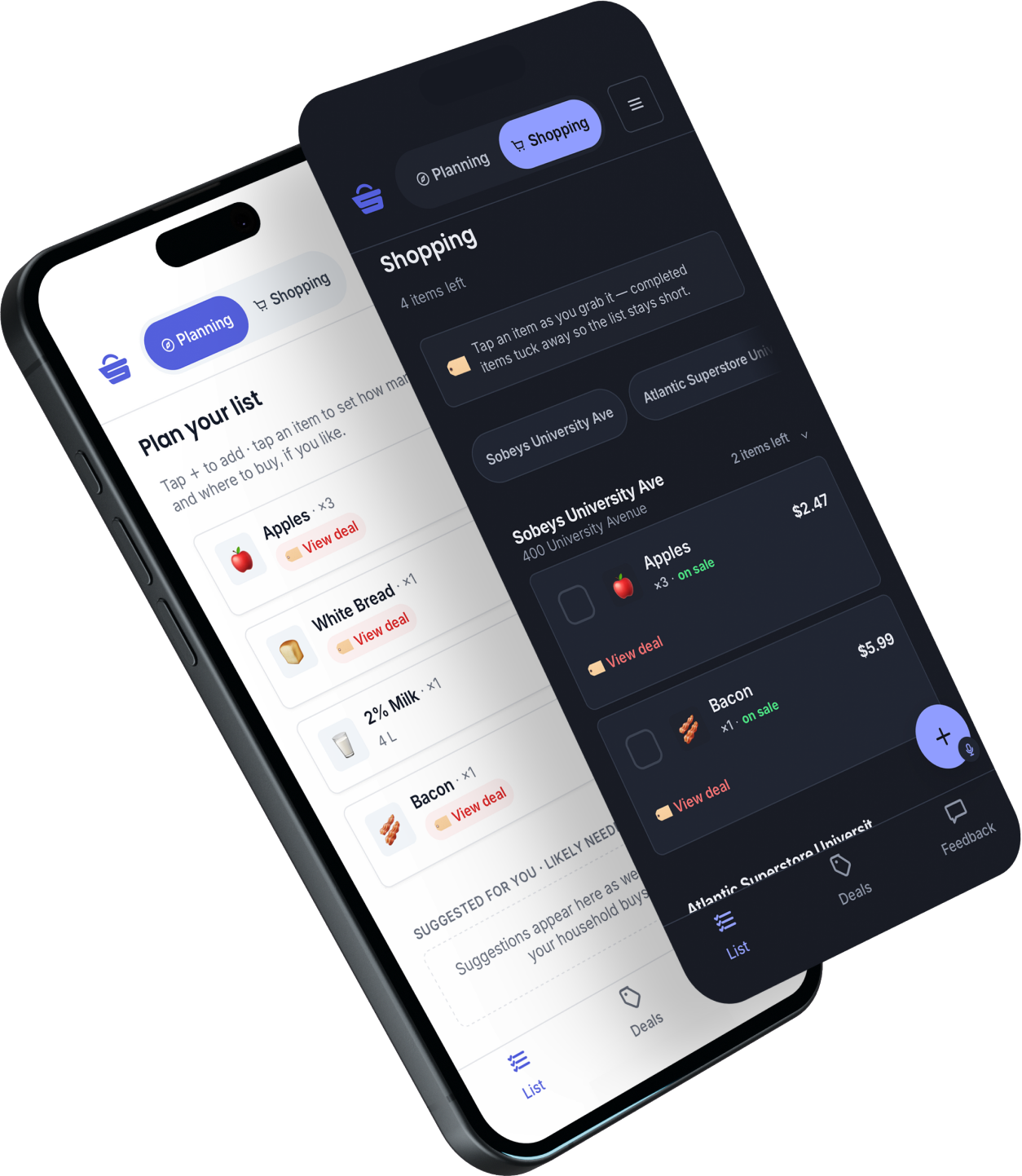

When I plan the week's shop, I want to know which store makes the most sense — without checking every flyer myself.



You don't need to spend hours browsing flyers to enjoy the deals. Shopista can do it for you.
Shopista finds the deals on the things you're already buying.
Flyer apps show everything. Shopista starts with your list, filters out the noise, and shows the offers that match what you actually need.
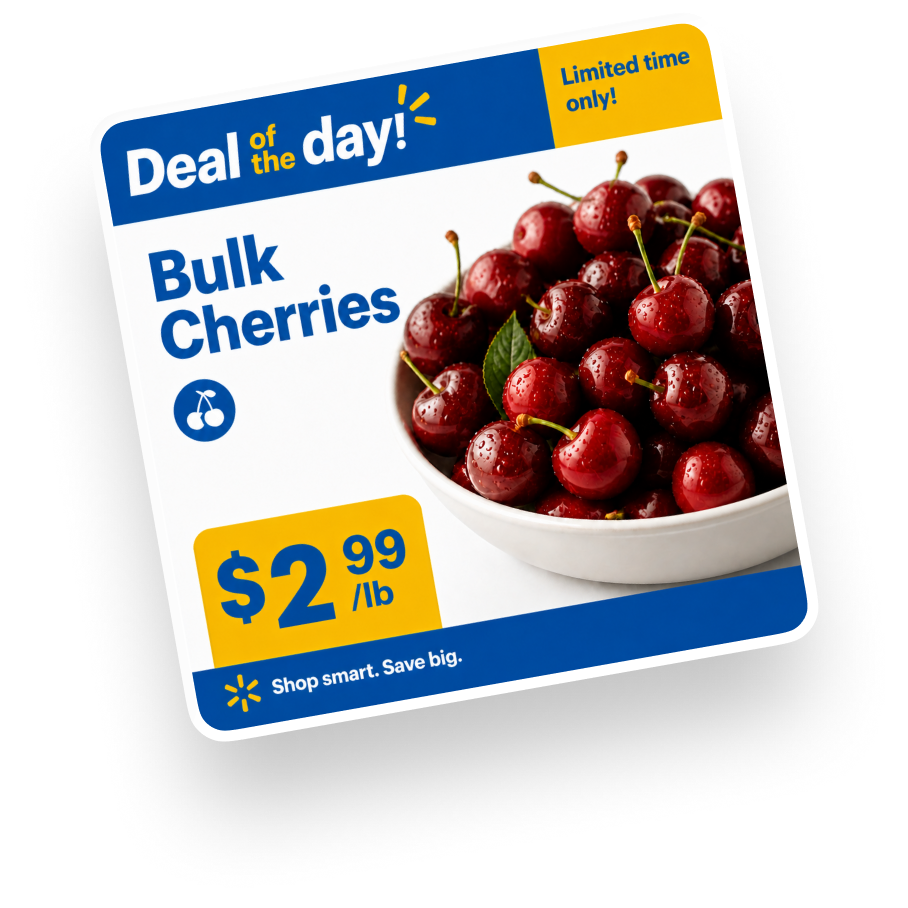
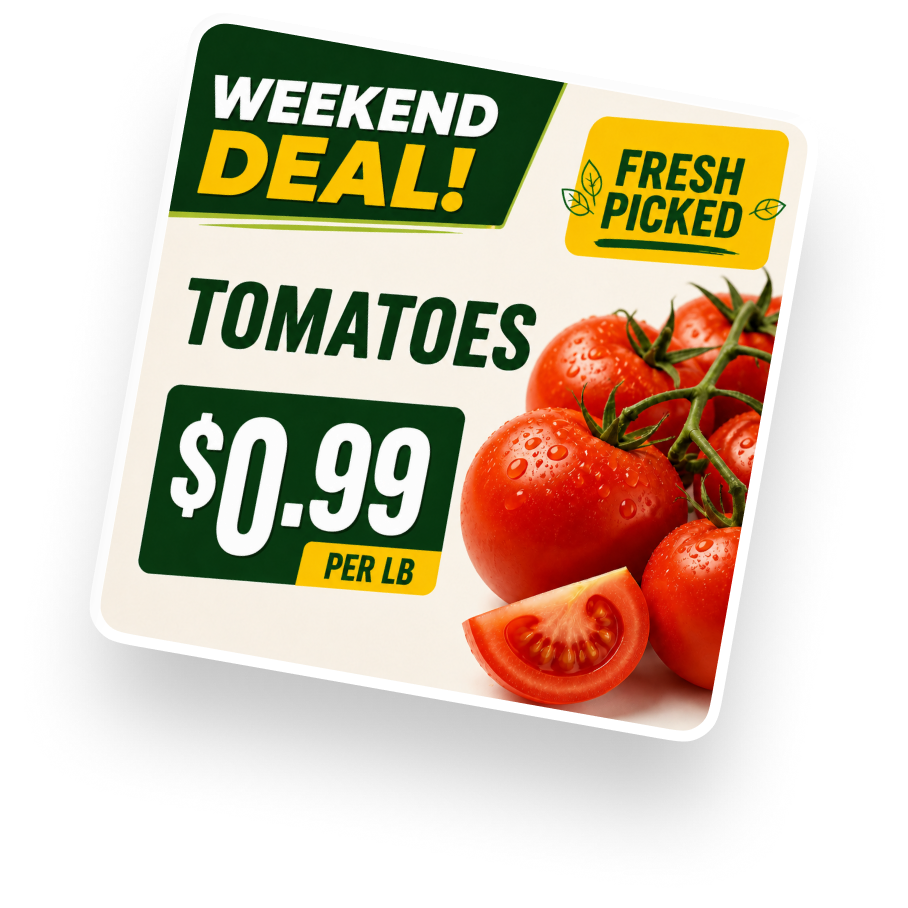

When something on my list is on sale, I want to know without digging through every flyer.


Your shopping list shouldn't be a mess.
Convenience for the whole household.
A messy list isn't just ugly. It's old items no one removed, duplicates from different people, things added without context, and no clear answer to "do we still need this?"
Shopista gives the household one shared place to add, find, and clean up what needs buying.

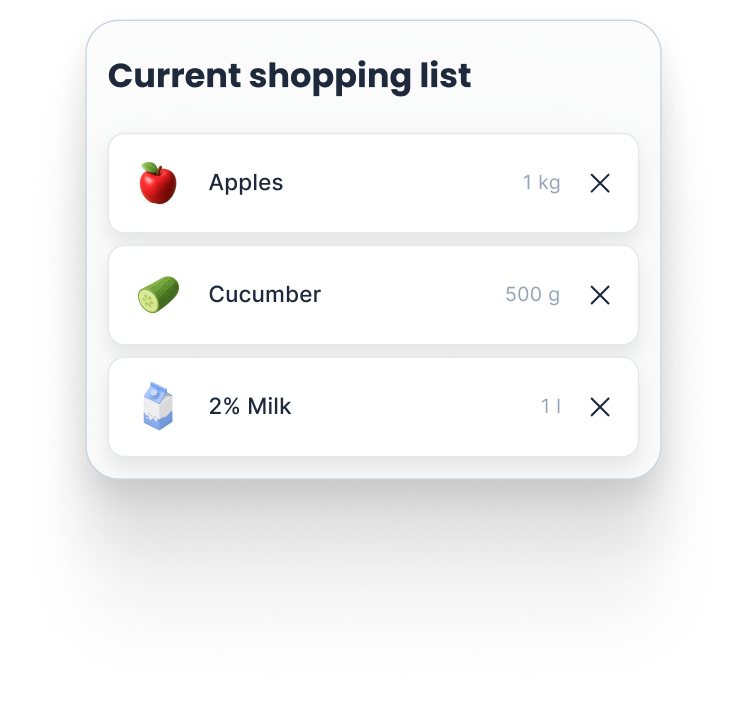
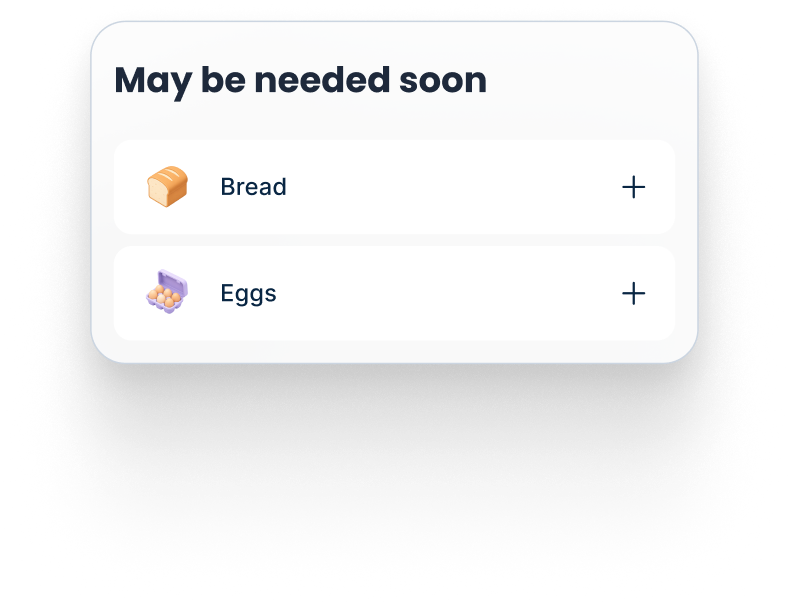
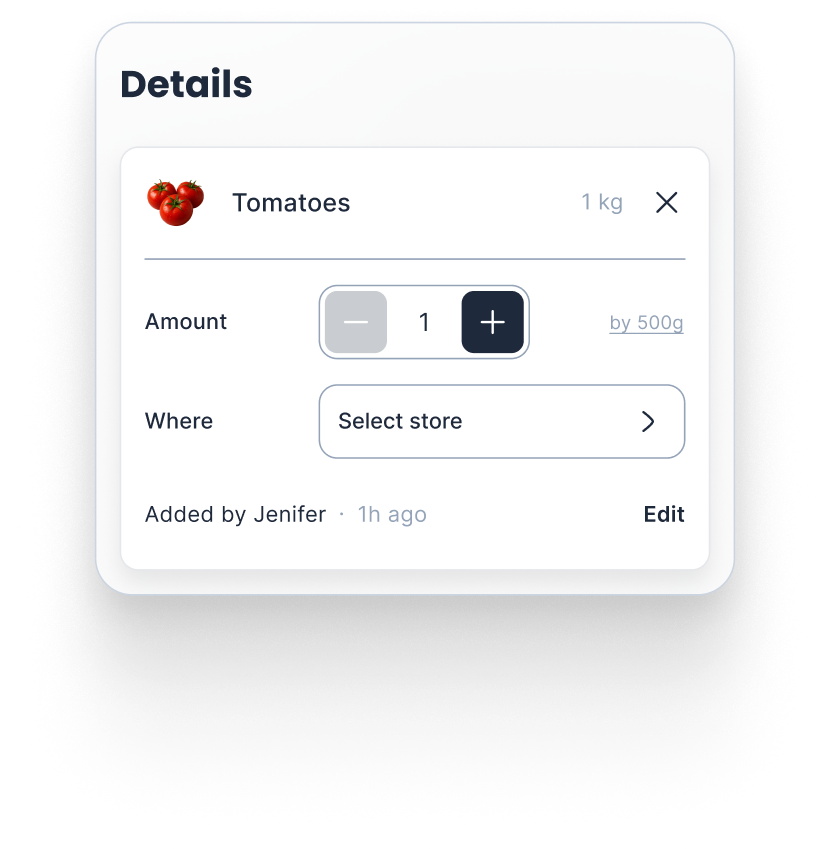
When the household needs things, I want one shared place to capture them before anyone forgets.
Up and running in a minute.
Start by making lists like you normally would. As you use Shopista, it learns what your household buys and gets better at suggesting what you may need next.
Start with a list
Add what your household needs, just like you do today.
Shopista learns
It notices the products, stores, and rhythms your household comes back to.
Approve the plan
Over time, the goal is less list-building and more approving the run Shopista suggests.
Not every good stop is a big chain.

When I need something specific, I want to know if a smaller nearby shop has it or has a good offer this week.
Local and specialty stores can be part of the same weekly decision.

You pick the stores
Most families still do the big shop at major retailers. Shopista keeps those in view.

Specialty stores show up
Asian, European, halal, bakery, butcher, and other smaller shops can appear when they match what you need.

Open offers, not hidden ranking
Small stores can promote real offers on Shopista, clearly shown, without buying the recommendation.
Common questions, straight answers
Free to start. Finding deals on your list stays free. If we add paid conveniences later, we'll say clearly what costs money.
No. Use it in your browser on phone or desktop. Prefer an app? Get it on Google Play.
No. Shopista shows the deals it finds for items on your list. Some items won't have a deal, and that's okay.
The stores you choose across PEI: major chains, local shops, and specialty stores as we bring them on.
No. Shopista suggests. You choose the store, approve the plan, and do the buying.
More help is coming...
Shopista is moving toward deeper help with prices, deals, and the final order — always with you approving what happens.

Deal tracking
Track the products you buy and choose to get notified when they go on sale at stores you care about.

Price comparison
Compare the same item across nearby stores before deciding where it makes sense to shop.

Order-ready checkout
Shopista can prepare the order for you. You review it, make changes, and approve before anything is placed.




Free forever Works on your phone & computer